LinkedIn Account Types: Free vs Premium vs Sales Nav
TL;DR:
LinkedIn offers 7 account types ranging from free ($0) to enterprise-level recruiting solutions ($835/month). Choose Premium Career ($29.99/month) for job searching, Premium Business ($59.99/month) for business growth, Sales Navigator Core ($79.99/month annually) for sales prospecting, or Recruiter plans for hiring needs.
When it comes to making business connections, LinkedIn is unrivaled, with 1 billion+ members.
It's the only place where you can:
🤝Make professional connections,
📈Grow your business,
🆕Learn about industry trends,
and
🧑🤝🧑Find new customers.
But you cannot achieve this with just any LinkedIn account.
Ok, maybe you can to a certain extent, but the quality will be compromised.
And if "compromise" is not a word you want to associate your networking skills with, then it's time to discuss the different types of accounts LinkedIn offers.
Yes, you heard it right. There are different types of LinkedIn accounts with a wide range of features for different user needs.
And the purpose of this blog is to assist you in choosing the best type of LinkedIn account for you.
LinkedIn Account Comparison
| Plan Feature | Premium Career | Premium Business | Sales Navigator Core | Sales Navigator Advanced | Recruiter Lite | LinkedIn Recruiter |
|---|---|---|---|---|---|---|
| Monthly Price | $29.99/mo | $59.99/mo | $99.99/mo | $159.99/mo | $170/mo | $835/mo |
| Annual Price | $239.88/year | $575.88/year | $79.99/mo | $108.33/mo | $140/mo | $8,999/year |
| InMail per Month | 5 | 15 | 50 | 50 | 30 | 150 |
| Advanced Search Filters | ❌ | ❌ | 30+ | 30+ | 20+ | 40+ |
| Unlimited Searches | ❌ | ✅ | ✅ | ✅ | ✅ | ✅ |
| Profile Viewers | 365 days | 365 days | 365 days | 365 days | 365 days | 365 days |
| ATS Integrations | ❌ | ❌ | ❌ | ❌ | ✅ | ✅ |
| LinkedIn Learning | ✅ | ✅ | ❌ | ✅ | ✅ | ✅ |
| Private Browsing | ✅ | ✅ | ✅ | ✅ | ✅ | ✅ |
| Applicant Insights | ✅ | ✅ | ❌ | ❌ | ❌ | ❌ |
| AI Tools | ✅ | ✅ | ✅ | ✅ | ✅ | ✅ |
| Direct Messaging | ✅ | ✅ | ✅ | ✅ | ✅ | ✅ |
| Business Insights | ❌ | ✅ | ✅ | ✅ | ✅ | ✅ |
| Custom Button | ❌ | ✅ | ✅ | ✅ | ✅ | ✅ |
| Top Choice Job | ✅ | ✅ | ✅ | ✅ | ❌ | ❌ |
| Lead Lists | ❌ | ❌ | ✅ | ✅ | ❌ | ❌ |
| Real-time Alerts | ❌ | ❌ | ✅ | ✅ | ❌ | ❌ |
| Candidate Tracking | ❌ | ❌ | ❌ | ❌ | ✅ | ✅ |
| Smart Suggestions | ❌ | ❌ | ❌ | ❌ | ✅ | ✅ |
| Premium Service Page | ❌ | ✅ | ❌ | ❌ | ❌ | ❌ |
Types of LinkedIn accounts:
There are 7 different types of LinkedIn accounts:
👉🏻Free LinkedIn Account.
👉🏻LinkedIn Premium Career: $29.99/month.
👉🏻LinkedIn Premium Business: $59.99/month.
👉🏻LinkedIn Sales Navigator Core: $79.99/month (annual).
👉🏻LinkedIn Sales Navigator Advanced: $108.33/month (annual).
👉🏻LinkedIn Recruiter Lite: $140/month (annual)
👉🏻LinkedIn Recruiter: $835/month.
👉🏻LinkedIn Learning: $39.99/month
Let's discuss each type of LinkedIn account briefly for your better understanding.
1. Basic (Free) LinkedIn Account
The first type of LinkedIn account that all users can access is the basic account . It's free forever.
A basic LinkedIn account is all you need to get started on LinkedIn if you're a newcomer.
It's free to use, but there are limitations.
- You get only 100 pages with 10 searches per page.
- LinkedIn can restrict you from using its search engine if you extensively use it to search for people.
- You get 0 InMail credits, thus making it difficult to reach out to 2nd and 3rd connections .
- You can't access profile views.
A free account allows you to build your professional network, make new contacts in your field, reconnect with past classmates, and more.
As an added bonus, you may make yourself more noticeable to potential employers by customizing your LinkedIn profile .
2. LinkedIn Premium Career
The second type of LinkedIn account that you will come across is the LinkedIn Premium Career account.
If you want to get noticed by recruiters or expand your professional circle , a LinkedIn Premium Career account is a must.
Did you know?
One poll by LinkedIn found that professionals with a paid LinkedIn Career Premium account were 2.6x more likely to get employed than those with a basic account.
LinkedIn Premium provides certain benefits that are not available with the free version of the service.
💗You receive a total of 5 InMail credits each month, which you can use to contact recruiting managers at companies.
💗You can check who viewed your profile in the last 90 days.
💗You can use a tool called "Applicants insights" to see where you stand in comparison to other applicants.
💗With wage insights available, you may learn about a position's salary range before you even apply.
💗You will always be a featured applicant, and your application will be prioritized over others and seen by hiring managers sooner, enhancing your chances of getting the job.
💗The in-demand talents you acquire on LinkedIn Learning.
Worried a service like this will cost you a great deal of money?
The good news is that this is the least expensive option for joining LinkedIn, making it an excellent place to begin.
To use LinkedIn Premium Career's features, you must pay $29.99 a month. However, keep in mind that you can take a risk-free trial for the first month!
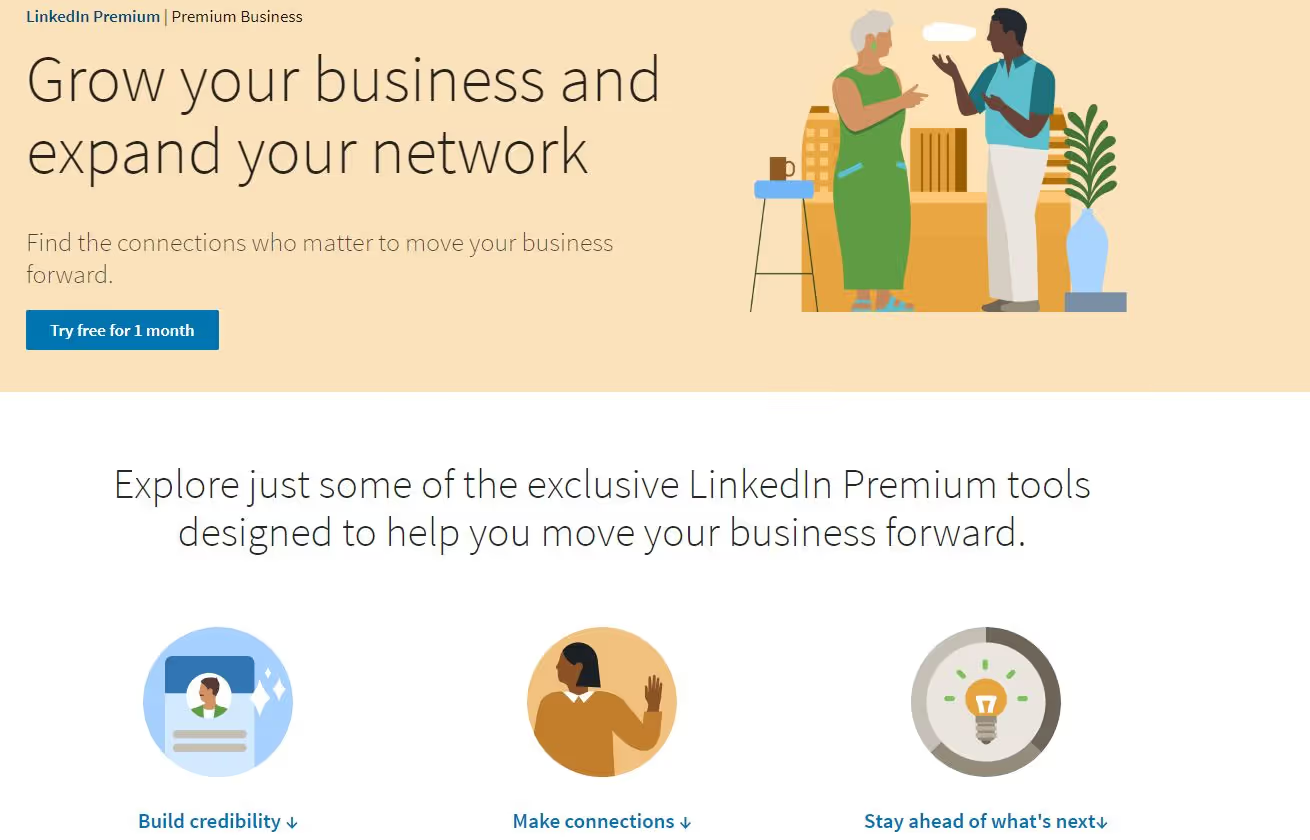
3. LinkedIn Premium Business Account
LinkedIn Premium Business provides users with loads of useful extras.
Business owners and managers may benefit the most from this service since it gives them access to in-depth metrics on the performance of their company page.
This account offers you everything LinkedIn Premium Career has to offer and…
- 15 InMail credits to reach out to 2nd and 3rd connections .
- You can make unlimited searches, which means no more LinkedIn commercial limits.
Simply said, it's a fantastic tool for increasing a company's efficiency, cutting down on wasted time, and attracting new customers.
More consumers may be generated at a reduced cost, and more efficiency can be achieved across the whole sales process when you use LinkedIn Premium Business.
Pricing of LinkedIn Premium Business Account
LinkedIn Premium Business subscription costs $575.88 if you choose an annual plan.
And it costs $59.99 if you choose the monthly LinkedIn Premium Business subscription.
4. LinkedIn Sales Navigator
LinkedIn's Sales Navigator is a social selling platform that helps you identify qualified leads with whom you develop lasting professional connections.
Key Info:
Sales Nav is the most used LinkedIn account by sales teams.
Here's what it offers:
👊LinkedIn Sales Nav simplifies lead generation with 1B+ profiles , serving as a one-stop lead database – no need for additional purchases.
👊With 30+ filters , precisely target your niche, saving time by avoiding irrelevant leads.
👊Easily select and save prospect s to your list/CRM for streamlined contacts.
👊Identify key decision-makers , such as CEOs, Founders, and Heads of Sales, within your target niche effortlessly.
👊Unlimited LinkedIn search - no restrictions.
👊50 InMail credits to reach out to anyone.
👊Account insights to research your target company.
You can choose from a variety of subscription plans according to your needs and the size of your organization.
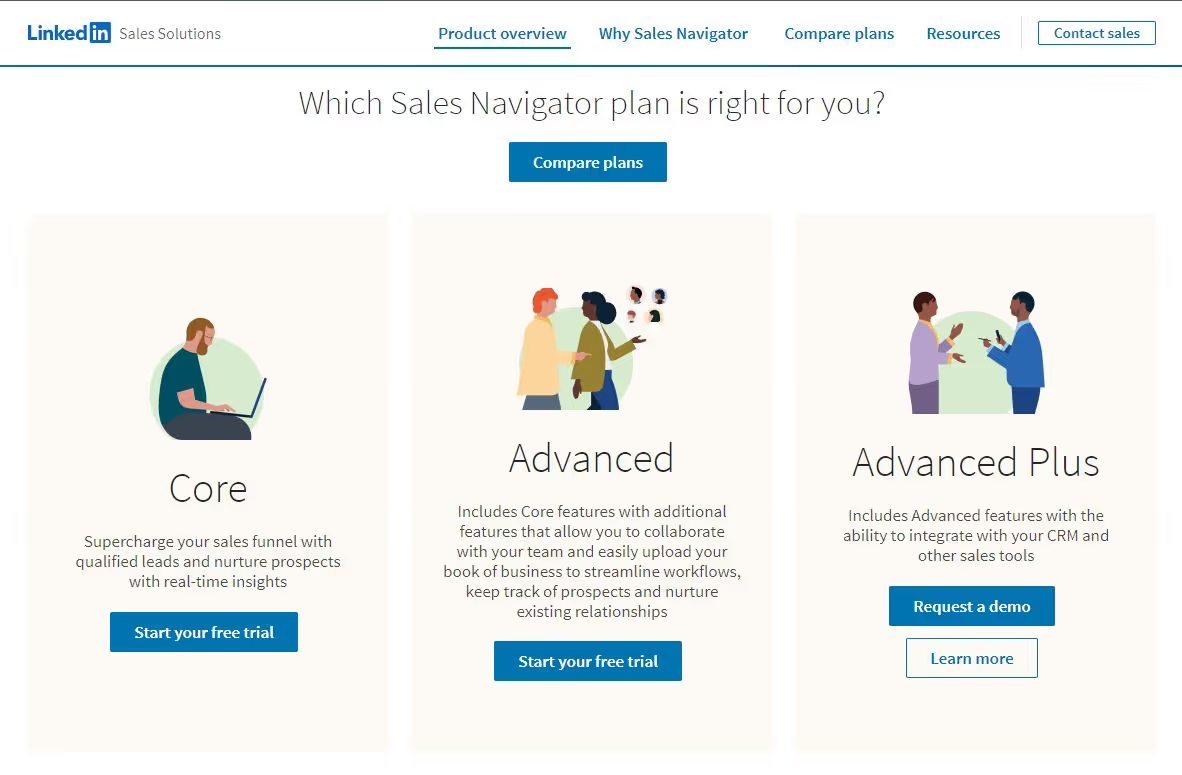
LinkedIn offers 3 plans:
-
Core Plan
-
Advanced Plan
-
Advanced Plus Plan
Here's a detailed description of the features accessible with each membership level.
Pricing Details of the LinkedIn Sales Navigator
LinkedIn's website specifies three distinct types of LinkedIn account pricing tiers for its Sales Navigator accounts.
Core Plan (Free Trial available )
Billed monthly: $119.99/month
Billed annually: $79.99/month
Advanced Plan (Free Demo available)
Billed monthly: $159.99/month
Billed annually: $139.33/month
Advanced Plus Plan(Free Demo available)
The most expensive plan and the prices are available upon request. However, it seems the pricing starts at $1600/year.
Interestingly, Sales Navigator Core edition users now receive Premium Career Subscription features at no additional cost , giving you featured applicant status and career advancement tools alongside your sales prospecting capabilities.
Sales Navigator can definitely help you find a lot of great prospects that could soon be your clients, but you still have a long way to go.
Opening profiles, copying, and pasting messages can take up a lot of time .
But guess what?
Enter Outly ! It's a LinkedIn and email automation tool that does all the heavy lifting for you. Connect on autopilot and even find emails if they don't respond on LinkedIn.
You can also create message campaigns to your entire Sales Navigator list with just the URL, with automatic follow-ups and great personalization too.
Curious? Try our 14-day free trial and see how it can make your life easier!
{{mobile_cta}}
5. LinkedIn Recruiter
LinkedIn Recruiter is made for recruiters. It helps you search for and connect with potential candidates as well as manage them all in one place by using LinkedIn Recruiter.
It offers smart suggestions, such as skill sets, job titles, geographic regions, and more , to help you identify the talent you're seeking with its sophisticated search filters and spotlights.
Its main selling point is that it gives preference to individuals who are actively seeking work , whether current or former employees, applicants, or independent contractors.
Features of LinkedIn recruiter:
- 150 InMail credits
- Bulk InMail sending: LinkedIn Recruiter also has the capacity to send mass InMails. You may use this function to contact up to 25 qualified individuals at once , streamlining your recruiting and sourcing efforts.
- Integrations to ATS
- Access to LinkedIn database : You can reach out to any working professional, even if they aren't in your existing network , opening up a wide range of possible candidates for employment.
- Advanced Search Filters : LinkedIn Recruiter provides more than 40 search options , including advanced filters, to narrow your results. Depending on what your business requires, you may either restrict or broaden your search using this function.
- Search Alerts : When using LinkedIn Recruiter, you can store your searches. In addition, you may store up to fifty separate searches for your business and sign up to be notified anytime a new applicant meets your requirements.
- Reporting : If you go with LinkedIn Recruiter, you'll be able to view a plethora of useful reports. The subscription product includes the following in addition to reporting on InMail and Job analytics.
There are plenty more features that LinkedIn recruiter offers.
What does it cost to use LinkedIn Recruiter??
Naturally, there's a cost associated with streamlining the hiring process.
LinkedIn Recruiter costs $8,999 /year or costs $835/month .

6. LinkedIn Recruiter Lite
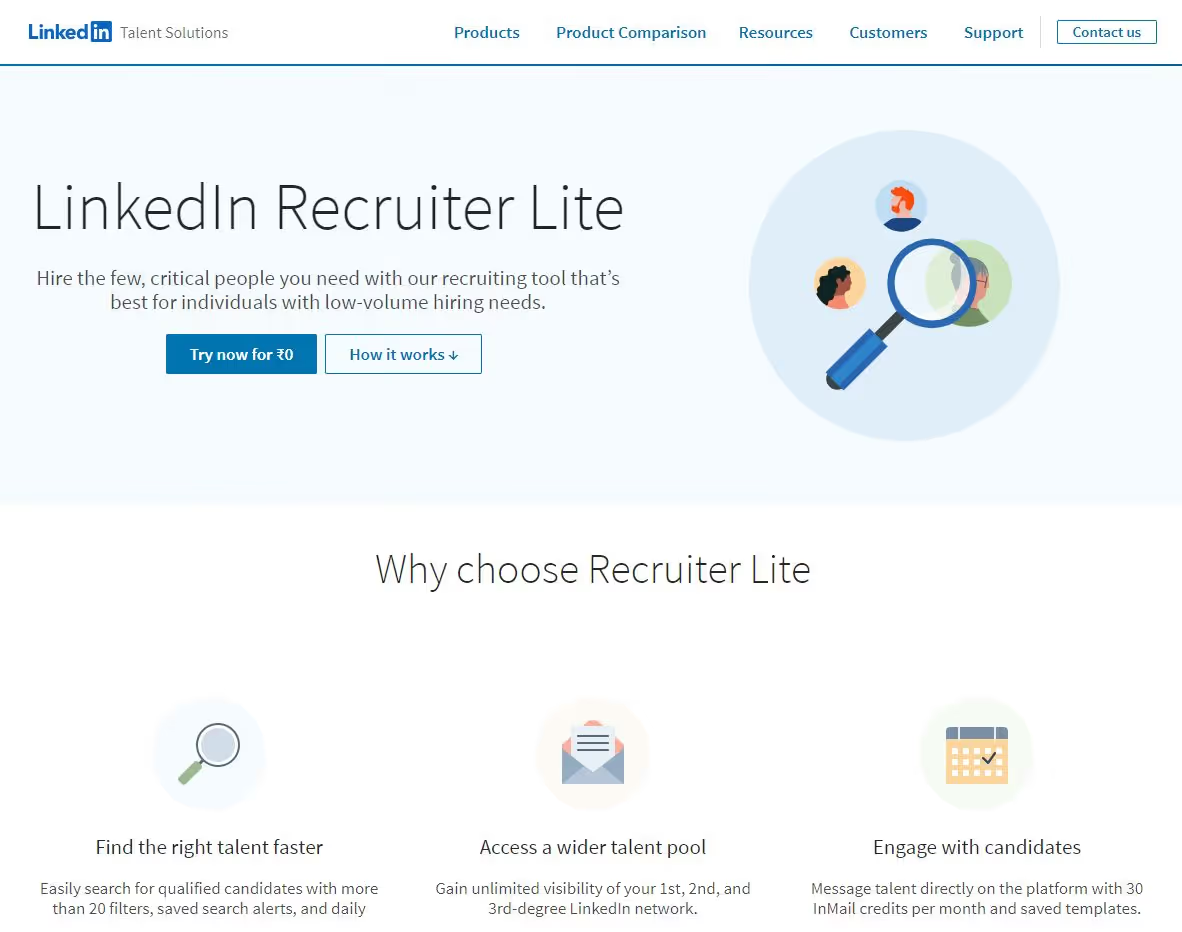
Recruiter Lite is a more budget-friendly version of LinkedIn Recruiter. It's an advanced tool for finding qualified candidates in a specific area or with certain skills.
The recruiting software may be used as a passive applicant sourcing platform if it links to a person's LinkedIn profile, even if that person isn't actively seeking employment.
Recruiter Lite Functions:
Now, let's talk about what you get with your membership to Recruiter Lite and why so many people love it:
- 30 InMail credits
- Recruiting CRM or you can call it mini ATS.
- Advanced search options:
Refine your results and find the people you're looking for using their advanced search. When customers create a project for each open position, they're able to access the available talent pool and store their top prospects in one place, taking advantage of the project's simple administration features.
- Third-degree network visibility :
Recruiter Lite doesn't have a commercial restriction on the number of profiles you may access, although the free edition of LinkedIn does.
- Streamlined candidate pipeline:
Candidates may be readily categorized into projects and updated using a variety of methods, such as reminders for further action. A person's InMail may be accessed immediately through their profile.
LinkedIn Recruiter Lite Cost
Monthly membership to LinkedIn Recruiter Lite costs $170 USD . However, this price may vary depending on the user's location.
In comparison to paying monthly, a yearly membership to LinkedIn Recruiter Lite costs $140/month , saving you money.
For most people, LinkedIn Recruiter Lite is also available for a free 30-day trial, so you may evaluate the service before committing to paying for it.
7. LinkedIn Learning
There are over 16,000 courses accessible on LinkedIn Learning. It may be used as a tool for professional development and advancement.
The courses are separated into 2 categories and are regularly updated to include new information:
- Education in Business and Technology
- Training programmes
LinkedIn Learning costs $39.99 a month.
However, you can get your first month free by clicking here. Remember that most premium LinkedIn accounts include LinkedIn Learning, so double-check to see whether you have it.
In addition, you may buy only one course that piques your interest. The price of a single course on LinkedIn Learning averages $50.
Note:
All Premium accounts get access to LinkedIn Learning!
Taught by industry experts, there's something for everyone, no matter your career stage. From CEOs to marketing assistants, anyone can level up their skills – both professionally and personally.
Comparing The Types Of LinkedIn Accounts
See, if you're just starting on LinkedIn , just use the free account.
It lets you connect with other professionals without spending any money. Even with a free account, you get many strong features to build your network.
For more advanced features , consider a premium LinkedIn account. Here are the different types:
1. Career Plan: Good for job seekers or those wanting to advance their careers. It helps you get noticed by professionals and connect with industry insiders.
2. Business Account: Best for promoting your business . It helps you find and connect with customers and partners to grow your company.
3. Sales Navigator: Great for B2B salespeople. It makes finding contacts and building long-term relationships easier, which can boost sales.
4. Recruiter Account: Ideal for hiring managers. It has many search and filter options to find the best candidates for your jobs.
5. Recruiter Lite Account: Good for simple hiring processes. It helps you find and communicate with potential new employees, with 30 monthly InMail credits and other helpful features.
Buy Verified LinkedIn Account Considerations
While some businesses offer to sell verified LinkedIn accounts, it's important to note that purchasing LinkedIn accounts violates LinkedIn's Terms of Service and can result in permanent account restrictions.
Instead of buying verified LinkedIn accounts, focus on building your authentic professional presence through legitimate means. LinkedIn's verification process is designed to ensure genuine professional networking and maintain platform integrity.
Which LinkedIn Plan is Right for You?
LinkedIn is the app of choice for professionals seeking employment, networking, learning the industry, or just growing their own business.
LinkedIn has created different account types and a number of account tiers within them, as it's aware that members will have varying requirements and use the service for various purposes.
So it's important to consider your circumstances before deciding on the type of LinkedIn account that's best for you.
We went through how some individuals use it to further their careers while others use it to establish new contacts.
If you're new to a social networking platform, signing up for a free account is the best way to learn the ropes and determine whether the service's basic features will be sufficient to meet your needs.
And if you're thinking about upgrading to a premium plan, the best way to find out if it's right for you is to take advantage of the trial period . That way, you can choose wisely.
Also, if Outly caught your eye, and you're ready to try but not commit just yet, then our 14-day free trial is the perfect way to start.
Just enter your email address, and you'll be ready to go.
Frequently Asked Questions
Can you look at LinkedIn without an account?
Yes, you can view limited LinkedIn content without an account, including some public profiles and company pages. However, your access is severely restricted - you won't be able to see full profiles, connect with professionals, or access most LinkedIn features. Creating a free account provides much better functionality.
Can I view LinkedIn without an account?
You can view some LinkedIn content without logging in, but your viewing capabilities are limited to basic public information. Most profile details, connections, and professional insights require an active LinkedIn account to access.
How to view LinkedIn without account?
To view LinkedIn content without an account, simply visit linkedin.com and browse public company pages or search for professionals. However, you'll hit viewing limits quickly and won't see complete profiles. For full access, sign up for a free LinkedIn account.
What does LinkedIn hibernate account mean?
LinkedIn hibernate account refers to temporarily deactivating your account while preserving your data. When hibernated, your profile becomes invisible to others, but you can reactivate it later with all your connections and information intact. This is different from permanently deleting your account.
What happens if my LinkedIn account is restricted permanently?
A permanently restricted LinkedIn account means you've violated LinkedIn's Terms of Service, and your access has been revoked indefinitely. This can happen due to spam, fake information, or policy violations. Recovery is difficult and requires appealing to LinkedIn support with evidence of compliance.
Wow your leads by cloning yourself and sending personalized videos and voice notes to each lead on LinkedIn.
If you don't reply to leads within 5 mins, your chances of converting them fall by 50%. Our AI replies on your behalf instantly! (and yes, you can train it)
Don't shoot in the dark. Get detailed analytics on what's working
Outly allows you to invite other team members, so that they can add their LinkedIn Account, run outreach campaigns and get amazing results just like you.